Today we are going to discuss about top 3 browsers for your smartphone, because some or other day you feel to switch to a alternative from your native browser.
So here is the list for you:
1.Google Chrome
 As the name suggest Google Chrome is a browser by google chrome.Google released the majority of Chrome’s source code as an open source project called Chromium.The best thing about chrome browser is that it gets synced to your google account and you can further sync the history, bookmarks and much more on any device you want because it is available for every operating system.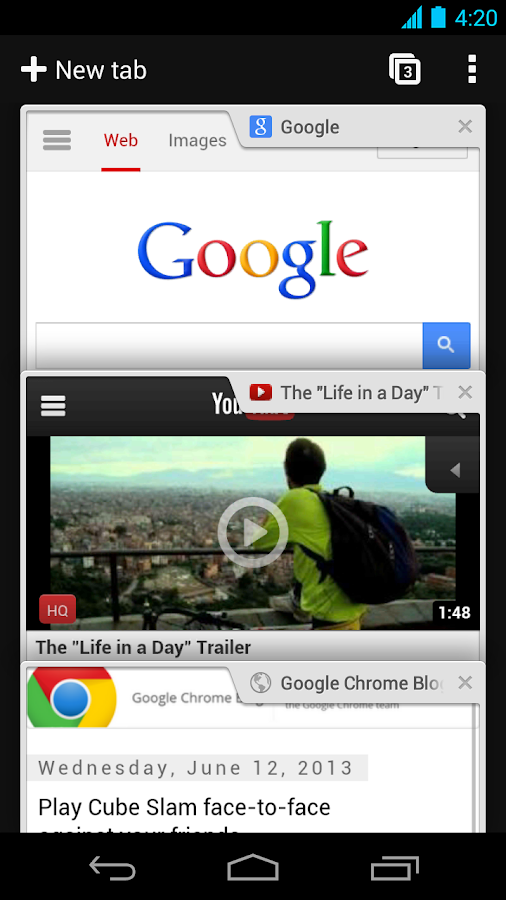
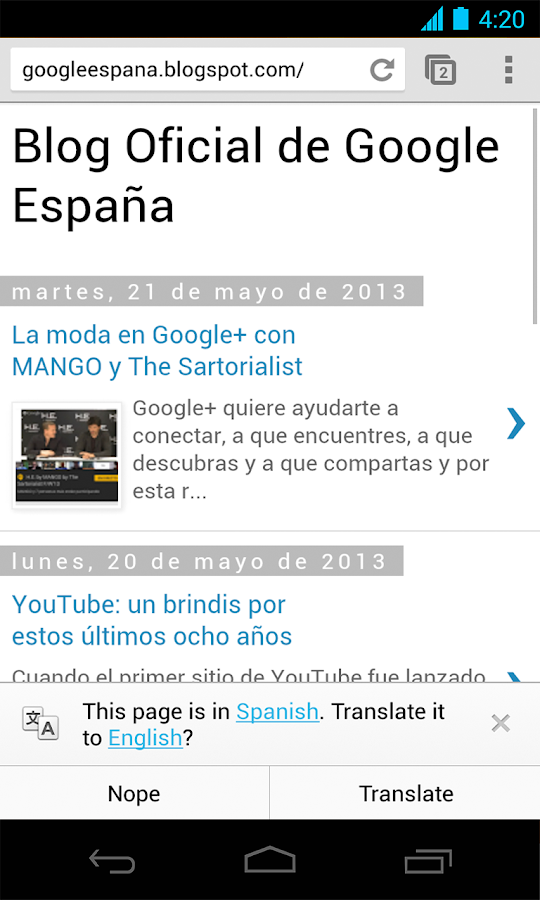
The other features which chrome includes as per playstore are:
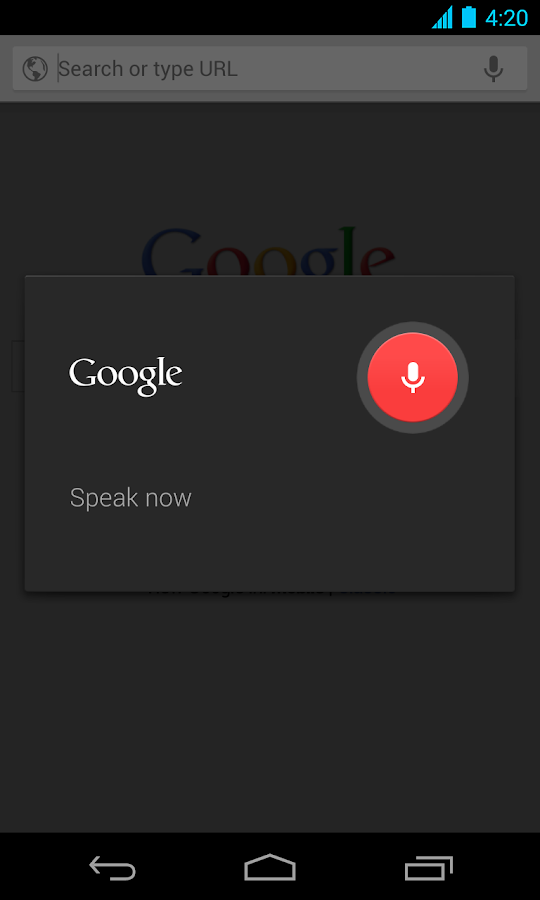
• Search and navigate fast, directly from the same box. Choose from results that appear as you type.
• Browse faster with accelerated page loading, scrolling and zooming.
Simple, intuitive experience
• Open and quickly switch between an unlimited number of browser tabs. On your phone, flip through tabs the way you would fan a deck of cards. On your tablet, swipe from edge to edge to switch tabs.
Sign in
• Sign in to the Chrome web browser to sync your open tabs, bookmarks, and omnibox data from your computer to your phone or tablet. Pick up right where you left off.
• Send pages from Chrome on your computer to Chrome on your phone or tablet with one click and read them on the go, even when you’re offline.
Privacy
• Browse privately in Incognito mode.
2.Mozilla Firefox
Firefox is a browser by mozilla community, Mozilla serves world since a long time and their most popular product is Firefox and is a multi-platform so makes it easily usable on a eco-system(Multiple devices with same operating system)
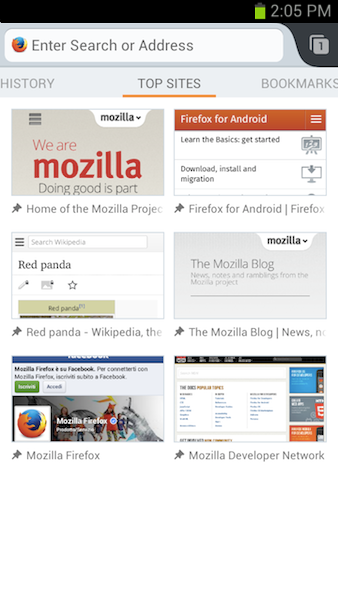
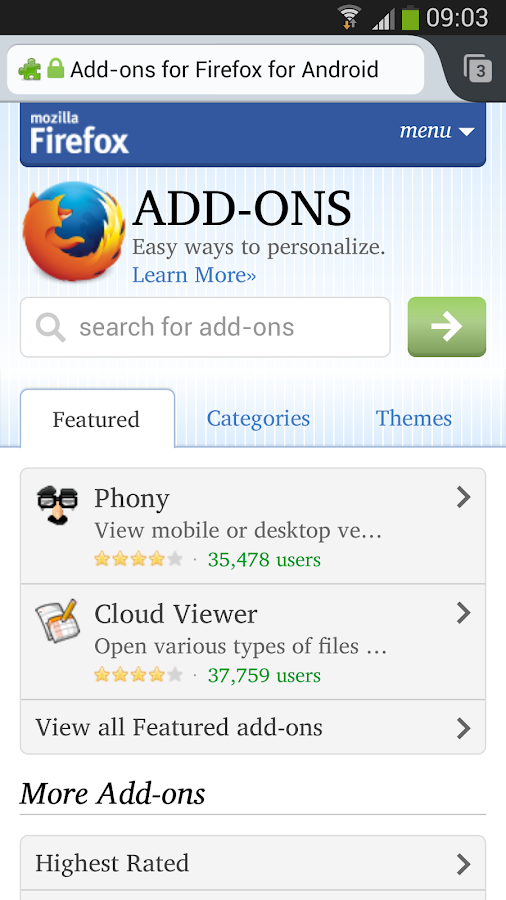
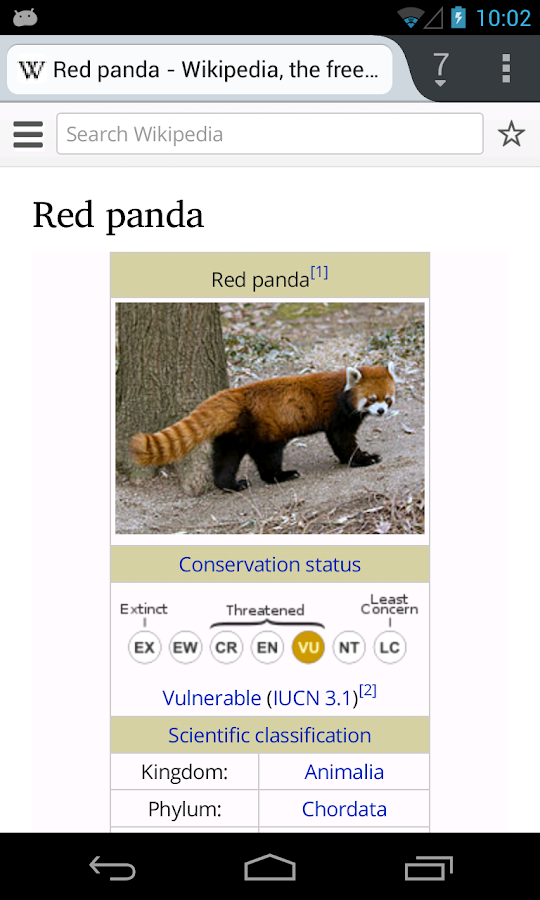
List of features as on play store:
★ Add-ons: Customize your web browser just the way you like it with add-ons including ad-blocker, password manager, and more
★ Awesome Screen: Firefox’s Android browser keeps everything organized so you don’t have to. The Awesome Screen automatically sorts your favorite sites onto one, easy-to-read page
★ Awesome Bar: Firefox learns from you as you browse, so you never have to waste time looking for a website. Search your Top Sites, Bookmarks, and History, and Firefox will help you find the site that you are looking for—with little to no typing.
★ Fast: Get to the internet faster, with quick start-up and page load times
★ HTML5: Experience the unlimited possibilities of the mobile internet with support for HTML5 and Web APIs
★ Mobile Video: Firefox’s Android browser is perfect for mobile video, and has mobile video support for a wide range of video formats including h.264
★ Reader: Automatically transform cluttered articles and stories into beautiful, easy-to-read pages right in your browser
★ Security: Keep your browsing safe & private. Control your privacy, security and how much data you share on the web.
★ Sync: Sync your Firefox Desktop tabs, history, bookmarks, and passwords to all your devices and streamline your browsing.
3.Dolphin Browser
Dolphin Browser is developed by Mobotap it is the most fancy alternative with gestures on it, but it is currently not available for your PC so it is third on our list otherwise it would have been a tough competition to Chrome.
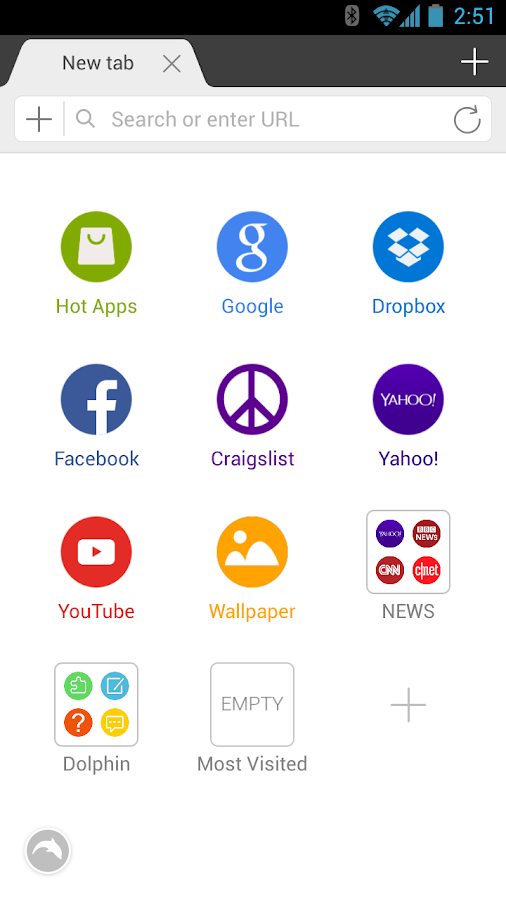
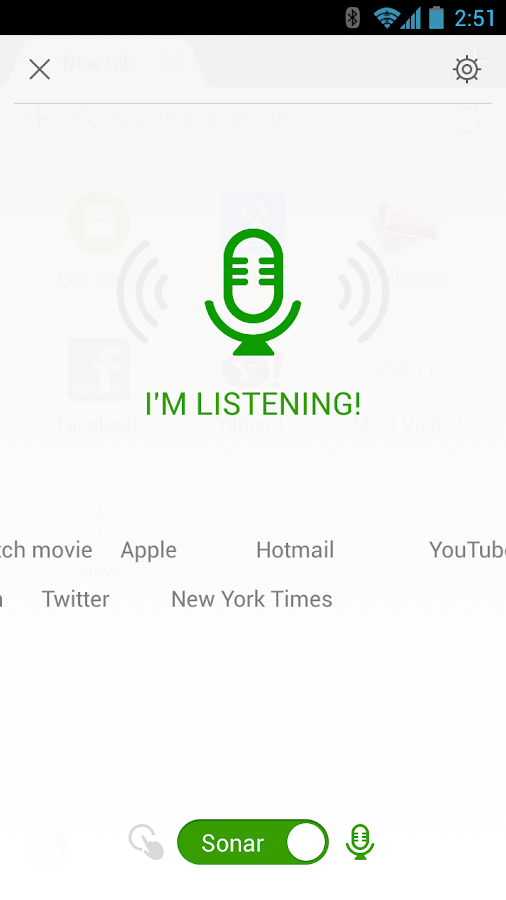
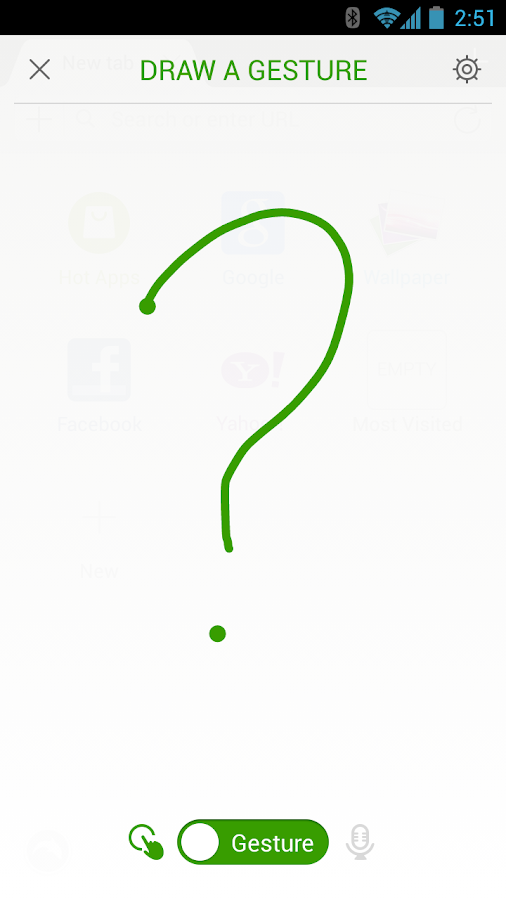
Features as on play store:
★ Gesture – Let your inner artist out and create a personal Gesture (symbol) to access the mobile and desktop websites you use the most.
★ Sonar – Dolphin listens and lets you use your voice to search on the Internet, share on your favorite social networks, bookmark favorite website and navigate.
★ Add-on – Beef up your mobile Internet browser experience by installing the Add-ons for the tasks you need at your fingertips. With more than 60 and counting, Dolphin Add-ons enables any action to be done right within the mobile browser. You can check out the Add-on features with 3 preloaded on your right Sidebar.
★ Theme – Customize theme colors, wallpapers and skins to make Dolphin your own
★ Web App Store – The all-new Dolphin web app store offers access to the most popular web apps so you never have to leave the browser. Choose from over 200 web apps, including Facebook, Twitter, Wikipedia, Amazon and more.
★ Home Screen – Adding applications to your home screen is super easy. Plus you can quickly organized them for one touch access.
★ One-tap Share – Tweet web pages, post them to Facebook, share via email or grab any content and save it directly to Evernote or Box.
★ Tabbed browsing – No need to toggle between screens, tabbed browsing lets you open and switch between Web pages fast as lightning.
★ Dolphin Connect – Sync history, bookmarks, passwords and open tabs easily across Android, iOS and desktop.
★ Send to device: Send links, maps, phone numbers, & more from your desktop to your phone and vice versa with Dolphin’s Chrome, Firefox and Safari extensions.
★ WiFi Broadcast – Share links with Dolphin friends nearby on your wifi network.
And here is the list of some more browsers which can be included in our list next time.
Boat browser
UC browser
Opera Classic
Opera Mini

No comments:
Post a Comment