Friday, August 22, 2014

Cool Deals @ DEALGURU

You can now shop online like never before with exciting offers and deals that you have long waited for. So why wait? The much awaited deal site at AskmeBAzaaar not only offers you rock bottom prices but also gives you an amazing shopping experience which is more reliable and full of choices with categories like fashion, beauty, electronics, home appliances and much much more.
What is more is that you get a variety of brand stores online at dealguru where you can view complete details of each product and the details of the vendor shipping the product along with contact details, before making a purchase.

Bollywood Shopping here

AskmeBazaar Generates Content/Image, DealGuru Generates Orders

Product samples are requested from sellers by AskmeBazaar, reviewed and identified for suitable pricing which on confirmation from the seller, the deal then strikes off and made live on DealGuru. This deal turns out to be of great advantage to the consumers, who are keen on purchasing products which come with good discounts, available to be viewed online and purchased. On confirmation of the orders, the same is delivered to the desired location without much strain and effort in the shopping process.

AskmeBazaar is the one who generates the content as well as the images of the products which are made available at the site for the benefit of the viewers. Once the order is placed and the payment process completed, DealGuru then generates the orders placed and ensures that the delivery of the products are done to the buyers as per their estimated schedule. They then send the confirmation of the delivery details to the buyer keeping them updated on the process of the order.
AskmeBazaar Undertakes Process Return Request


On successful delivery of the said order, the amount is then transferred to the seller after making the deductions and fulfilment of their commitment and charges as agreed upon by them. AskmeBazaar also undertakes to process return request, when the need arises.With presently over one thousand live deals together with more than nine hundred sellers, consumers are at an advantage of variety of choices to choose from which ranges from Apparels, fashion like jewellery, bags, footwear, accessories, in beauty products related to cosmetic and perfumes.

Home appliance like storages, utensils, etc. in electronics – accessories, storage devices, etc. and much more are all available at the site. Consumers also have the option of navigation and refining their search on the desired products through their search option which enables the viewer to locate their desired product if they are available at the site.

Thursday, August 21, 2014

The next generation mobile app-AskMe

AskMe.com is the next generation mobile app which serves as a one-stop solution destination that offers it’s users local search option, deals, online classifieds, buy now and voice features.

AskMe.com provides a simple solution to the user by eliminating the need to switch between different platforms like JustDial, OLX, Snapdeal, Groupon and more. All these options are available on one place i.e. AskMe.com and it does not end here it can turn out to be a boon for users particularly on mobile as they don’t need to switch
back and forth.
Askme.com-Delhi-s-Local-Search-Engine-Find-Restaurants-Bars-Spas-Beauty-Parlors-etc

Once you Download AskMe App, You can start you local search like never before within seconds even standing by roadside. It has become even easier to use this service from a mobile phone than from a desktop PC.

You can also review items on the the AskMe.com platform before making a final decision and that is something which completes your search from start to end on the AskMe.com

How to use this App? Go to the home screen of AskMe.com app,just type in what you are searching for and there you go.

The ease and convenience of the AskMe.com app gives you the power to search “on the go” in your local area. It does not matter what you may be looking for, you can find it all on AskMe.com. So if you are on a road trip or away from your desktop, don’t just wait.

The AskMe.com mobile app is available for smartphone users as AskMe.com for Android and iOS


Tuesday, July 15, 2014

Sony Xperia Z2 Review

Sony is steadily climbing up the smartphone market share rankings, thanks to recent launches that have worked very well in their price bands. The company has had its ups and downs over the years, with a few models that have caught on, but no long-running success till very recently. Samsung is the dominant force in India as far as Android phones go, and Sony is only just beginning to establish itself as an alternative, with a distinctive identity that extends through hardware and software design.


With that said, even though the Xperia Z2 is a significant improvement over its predecessors, the Z and Z1, there isn't really any kind of standout feature for the company to shout about. Samsung's Galaxy S5 has its heart rate monitor and health-related accessories; HTC has created a dual-camera system for the new One (M8). That's what Sony is up against, and it will have a hard time pushing the Xperia Z2 even though all its important features and specifications are totally top-of-the-line.

The Sony Xperia Z2 doesn't do anything outlandish in terms of style, and it's yet another black slab of glass - but it is a well built, premium, functional and waterproof device which certainly trumps the design of the Galaxy S5.
If you're looking for something seriously stylish though you're probably better off with the iPhone 5S or HTC One M8.

Monday, July 7, 2014

Free Top 5 Productivity Apps for your Smart phone

1)     UC Browser:

UC Browser provides you fast and smooth Web surfing experience even on 2G network. It’s a totally free app.
The best part about this browser is; (1) it compresses the size of web page which helps to reduces data costs and speed up page loading, (2) categorized listing of different mobile sites, (3) Pause & Resume feature of download manager and many more unique features.
For direct download Click Here
2)     KindSoft Office 5.6:

It’s a free mobile office app which provides the user to edit their MS word, Doc, Power Point, Excel sheet. The user-interface of this app is nice and easy to use.
3)     ES File Explorer File Manager:

It provides the functionality of many apps in one; file manager, application manager, task killer, cloud storage client (compatible with Dropbox, Google Drive, SkyDrive, Box.net, Sugarsync, Yandex, Amazon S3, and Ubuntu One), FTP client, and LAN Samba client. It provides access and view pictures, music, video, documents, and other files on your Android devices.
4)     Dropbox:

Dropbox is a free service that lets you bring all your photos, docs, and videos anywhere. After you install Dropbox on your computer, any file you save to your Dropbox will automatically save to all your computers, your Android device, and even the Dropbox website! With the Dropbox app, you can take everything that matters to you on the go.
5)     Avast:

keeps your device safe from viruses, malware, and spyware. It helps you locate your lost phone through our web-based phone locate feature. Remote device lock and/or memory wipe in its advanced Anti-Theft component keep your data safe. Handy tools like network meter, app manager, and even firewall (on rooted phones) give you complete control of your mobile phone.

Thursday, May 29, 2014

Review Samsung Galaxy Note 3


Specifications :

PLATFORM
Band
3G Band  -  850/900/1900/2100 MHz
2G Band  -  850/900/1800/1900 MHz
SIZE
Weight  -   168g
Dimension (HxWxD)  -  151.2 X 79.2 X 8.3 mm
DISPLAY
Internal
Technology  -  Super AMOLED
Resolution  -  Full HD (1920 x 1080)
Size  -  14.48 cm (5.7")
BATTERY
Standard
Capacity  -  3200 mAh
CAMERA
Flash  -  Flash & Zero Shutter Lag,BIS
Auto Focus  -  Yes
Feature  -  Dual Camera , Dual Shot , Dual Recording , Dual Video Call , Drama Shot , Sound & Shot , Animated Photo , Eraser , Night , Best Photo , Best Face , Beauty Face , HDR (High Dynamic Range) , Panorma , Sports , Golf , Surround Shot
VIDEO
Recording Resolution  -  Full HD (1080p)
Recording Frame Rate  -  30fps, BIS
Video Recording  -  Code , H.264,MPEG-4,H.263,VC-1WMV7,WMV8,Sorenson Spark, MP43,VP8
MUSIC & SOUND
Audio Format Supported  -  Codec, MP3,AAC/AAC+/eAAC+,WMA,FLAC,AMR-NB/WB,Vorbis,WAV
CONNECTIVITY
Bluetooth  -  Bluetooth 4.0 (LE)
WIFI  -  WiFi 802.11 a/b/g/n/ac (HT80)
NFC  -  Yes
Further More  -  IR LED (Remote Control)
MEMORY
Internal User Memory  -  32 GB (Disclaimer - The operating system and default applications occupy part of the internal memory)
External User Memory  -  Micro SD (Up to 64GB)
SDRAM Memory  -  3GB
EXTRA FEATURES
Extra Features  -  Air Command , Action Memo , Scrapbook , S Finder , Pen Window, Multi Window , Direct Pen Input , Group Play , Share Music , Share Picture , Share Document , Share Video , Play Game S Voice Hnds Free , S Health , Samsung Adapt Display , Samsung Adapt Sound , Auto adjust touch sensitivity (Glow friendly), Safety Assistance, Samsung Link, Screen Mirroring , Samsung KNOX
Story Album , S Translator , Smart Scroll , Smart Pause , Air Gesture , Air View, Samsung Hub , ChatON (Voice/Video Call Share Screen , 3 Way Calling) , Samsung WatchON
OPERATING SYSTEM
Operating System  -  Android 4.3 (Jelly Bean)
CAMERA
Camera Resolution(Front)  -  2 MP
Camera Resolution(Rear)  -  13 MP
SENSOR
Gesture Sensor , Accelerometer , Geo-magnetic , Gyro-sensor , Light Sensor ,Proximity Sensor , Barometer Sensor / Temperature & Humidity Sensor , Hall Sensor
PROCESSOR
Speed  -  1.9 GHz Quad + 1.3 GHz Quad-Core Processor

Tuesday, February 25, 2014

WhatsApp now allows Android users to hide their ‘last seen at’

Many WhatsApp users have noticed a big change in the instant messaging application since it was bought by Facebook for a whopping $19 billion.

The feature that allows you to hide your “last seen” status on WhatsApp has been exclusive to the iPhone for years now. The updated version of WhatsApp will  bring one of the most demanded features to the Android app. The feature will also allow users to hide their ‘last seen’ from certain people, all their contacts or only from contacts in their phone book.

What’s your take on this recent change?

Tuesday, February 11, 2014

Top 3 browsers for your smartphone

Today we are going to discuss about top 3 browsers for your smartphone, because some or other day you feel to switch to a alternative from your native browser.
So here is the list for you:

1.Google Chrome

Cover artAs the name suggest Google Chrome is a browser by google chrome.Google released the majority of Chrome’s source code as an open source project called Chromium.The best thing about chrome browser is that it gets synced to your google account and you can further sync the history, bookmarks and much more on any device you want because it is available for every operating system.

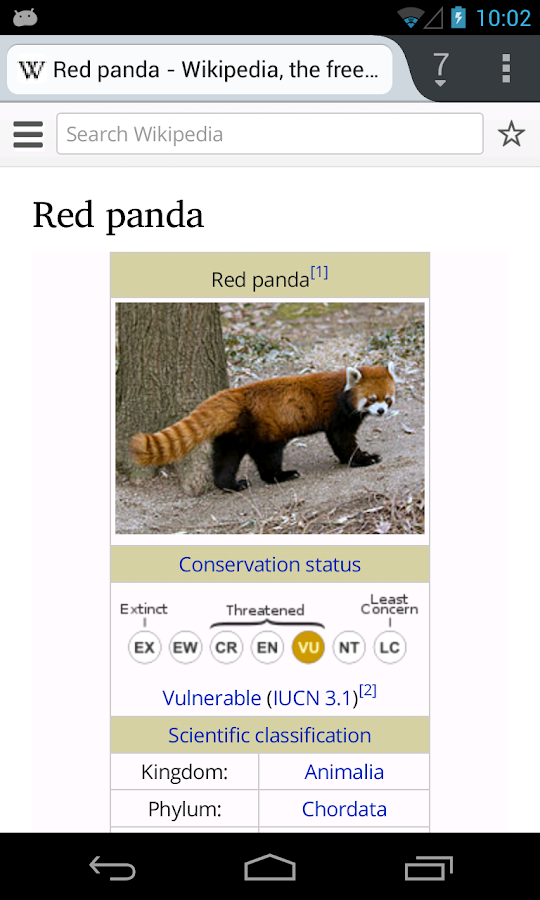
Chrome Browser - Google - screenshotChrome Browser - Google - screenshotChrome Browser - Google - screenshot
The other features which chrome includes as per playstore are:
• Search and navigate fast, directly from the same box. Choose from results that appear as you type.
• Browse faster with accelerated page loading, scrolling and zooming.
Simple, intuitive experience
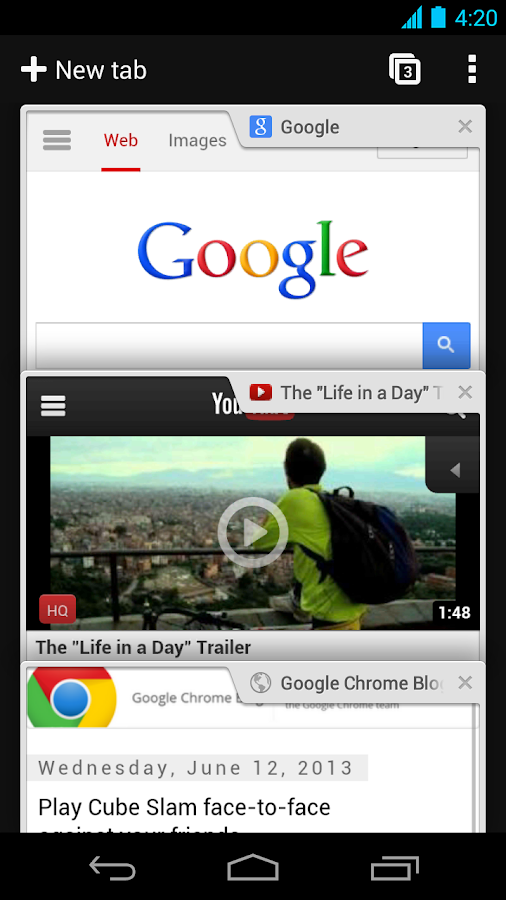
• Open and quickly switch between an unlimited number of browser tabs. On your phone, flip through tabs the way you would fan a deck of cards. On your tablet, swipe from edge to edge to switch tabs.
Sign in
• Sign in to the Chrome web browser to sync your open tabs, bookmarks, and omnibox data from your computer to your phone or tablet. Pick up right where you left off.
• Send pages from Chrome on your computer to Chrome on your phone or tablet with one click and read them on the go, even when you’re offline.
Privacy
• Browse privately in Incognito mode.

2.Mozilla Firefox
Cover art
Firefox is a browser by mozilla community, Mozilla serves world since a long time and their most popular product is Firefox and is a multi-platform so makes it easily usable on a eco-system(Multiple devices with same operating system)

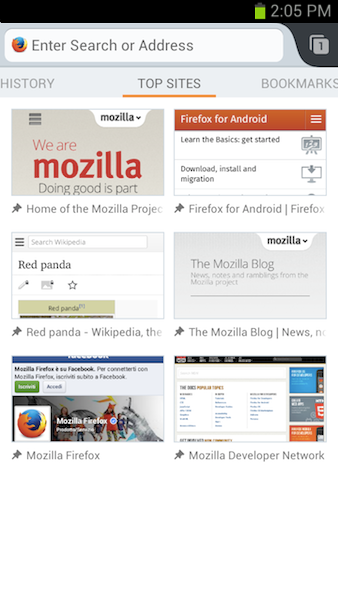
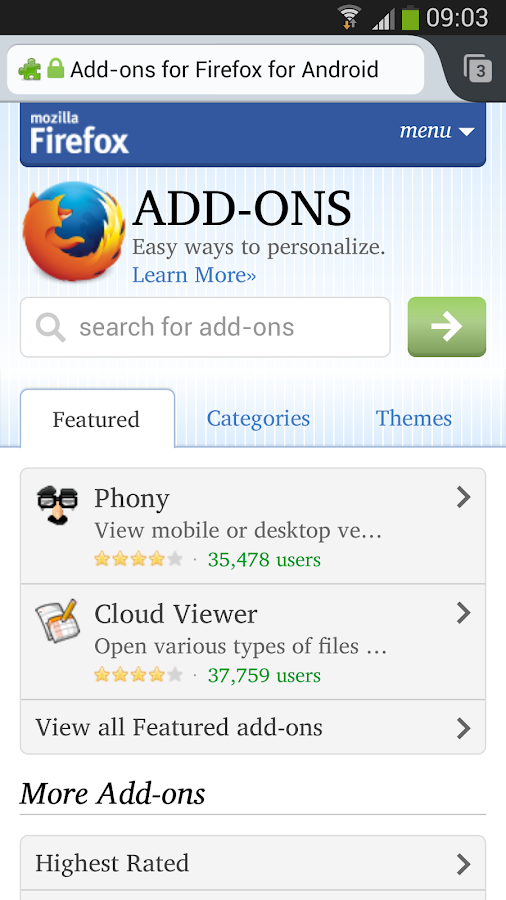
Firefox Browser for Android - screenshotFirefox Browser for Android - screenshotFirefox Browser for Android - screenshot
List of features as on play store:
★ Add-ons: Customize your web browser just the way you like it with add-ons including ad-blocker, password manager, and more
★ Awesome Screen: Firefox’s Android browser keeps everything organized so you don’t have to. The Awesome Screen automatically sorts your favorite sites onto one, easy-to-read page
★ Awesome Bar: Firefox learns from you as you browse, so you never have to waste time looking for a website. Search your Top Sites, Bookmarks, and History, and Firefox will help you find the site that you are looking for—with little to no typing.
★ Fast: Get to the internet faster, with quick start-up and page load times
★ HTML5: Experience the unlimited possibilities of the mobile internet with support for HTML5 and Web APIs
★ Mobile Video: Firefox’s Android browser is perfect for mobile video, and has mobile video support for a wide range of video formats including h.264
★ Reader: Automatically transform cluttered articles and stories into beautiful, easy-to-read pages right in your browser
★ Security: Keep your browsing safe & private. Control your privacy, security and how much data you share on the web.
★ Sync: Sync your Firefox Desktop tabs, history, bookmarks, and passwords to all your devices and streamline your browsing.

3.Dolphin Browser
Cover art
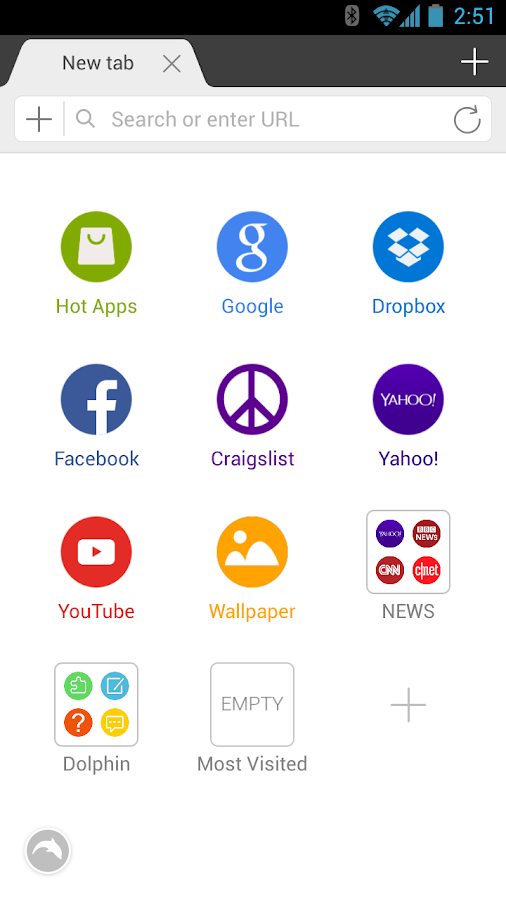
Dolphin Browser is developed by Mobotap it is the most fancy alternative with gestures on it, but it is currently not available for your PC so it is third on our list otherwise it would have been a tough competition to Chrome.

Dolphin Browser - screenshotDolphin Browser - screenshotDolphin Browser - screenshot
Features as on play store:
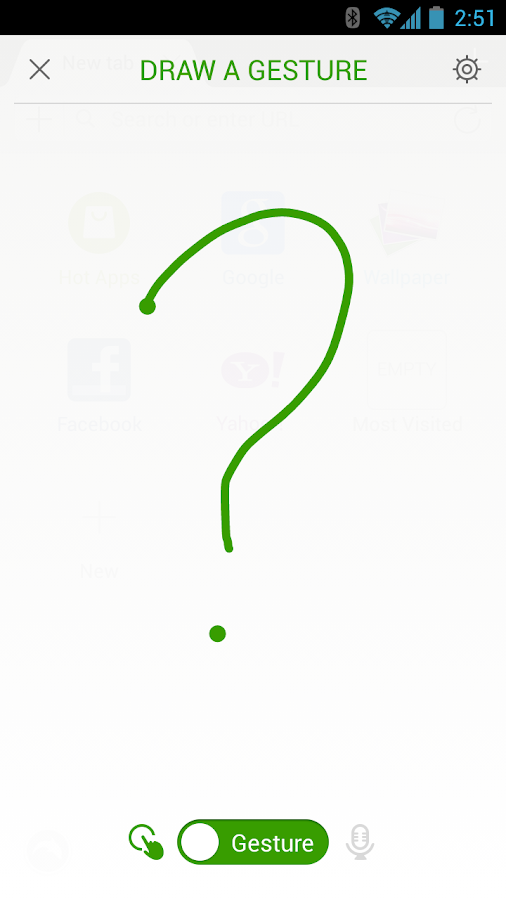
★ Gesture – Let your inner artist out and create a personal Gesture (symbol) to access the mobile and desktop websites you use the most.
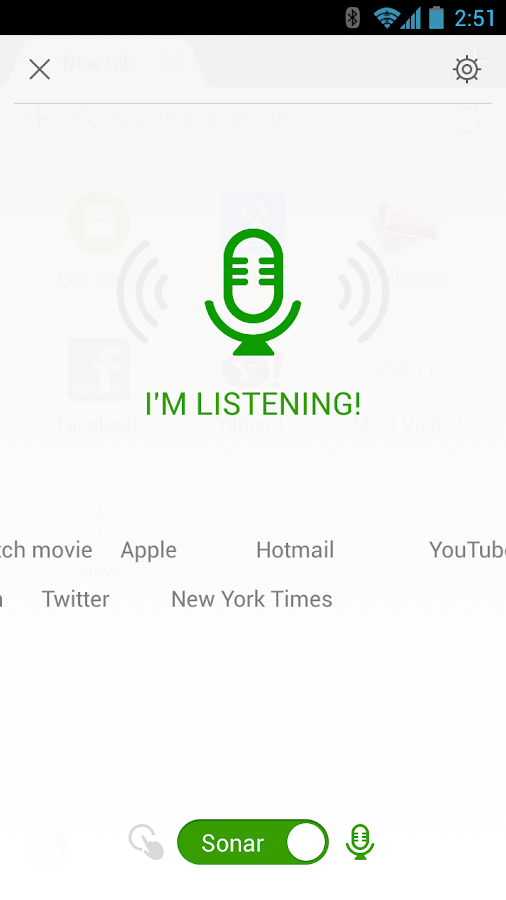
★ Sonar – Dolphin listens and lets you use your voice to search on the Internet, share on your favorite social networks, bookmark favorite website and navigate.
★ Add-on – Beef up your mobile Internet browser experience by installing the Add-ons for the tasks you need at your fingertips. With more than 60 and counting, Dolphin Add-ons enables any action to be done right within the mobile browser. You can check out the Add-on features with 3 preloaded on your right Sidebar.
★ Theme – Customize theme colors, wallpapers and skins to make Dolphin your own
★ Web App Store – The all-new Dolphin web app store offers access to the most popular web apps so you never have to leave the browser. Choose from over 200 web apps, including Facebook, Twitter, Wikipedia, Amazon and more.
★ Home Screen – Adding applications to your home screen is super easy. Plus you can quickly organized them for one touch access.
★ One-tap Share – Tweet web pages, post them to Facebook, share via email or grab any content and save it directly to Evernote or Box.
★ Tabbed browsing – No need to toggle between screens, tabbed browsing lets you open and switch between Web pages fast as lightning.
★ Dolphin Connect – Sync history, bookmarks, passwords and open tabs easily across Android, iOS and desktop.
★ Send to device: Send links, maps, phone numbers, & more from your desktop to your phone and vice versa with Dolphin’s Chrome, Firefox and Safari extensions.
★ WiFi Broadcast – Share links with Dolphin friends nearby on your wifi network.

And here is the list of some more browsers which can be included in our list next time.
Boat browser
UC browser
Opera Classic
Opera Mini

Wednesday, January 8, 2014

Google Nexus 5 vs. Nexus 4

Google recently announced its flagship device, the next generation Google Nexus 5. Undoubtedly, the Google Nexus 5 is loaded with faster and powerful chipsets and a whole bunch of praise-worthy upgrades in its specs and features, not to mention its budget-friendly price tag.
untitled

If you are wondering if you need to upgrade to the new Nexus 5 or not, here is a specs rundown of the Google Nexus 5 and its predecessor Nexus 4 to help you decide.

The Google Nexus 4 features a WXGA IPS HD, 1280 x 768p, 318 ppi, 4.7 inches display. It is protected by the scratch-resistant shield Corning Gorilla Glass 2 and covered by a shiny glass coat which makes the device a bit slippery to handle. It is even advisable to use a smartphone case to avoid shattering during accidental falls.
Display and Design
The newest smartphone from Google offers better grip to its users as it has been changed from glass-based coating to a tough polycarbonate back cover which is similar to the Google Nexus 7.
The Nexus 5 highlights a full HD IPS display with significantly enhanced 445 ppi, an upgraded Corning Gorilla Glass 3 screen guard and a bigger 4.95 inches screen. Also, in spite of the bigger display, the Google Nexus 5 at 130g is relatively lighter than its predecessor which weighs 139g.
RAM, Storage and Processor
The Nexus 5 has kept the RAM and storage specs of the Nexus 4 but it enhanced the processor to a faster and more efficient 2.3GHz Snapdragon 800 series quad-core CPU.
The Nexus 5 will be available in 16GB and 32GB models with no memory expansion capacity same as the Nexus 4.
The older Nexus sports a 1.5GHz Snapdragon S4 Pro quad-core processor, 2GB RAM in 8GB, 16GB and 32GB storage variant with no microSD card slot.
Camera
The new Nexus has almost the same camera specs with the Nexus 4 which includes an 8MP auto-focus, LED flash, 4X digital zoom and a 1.3MP front camera. However, the Nexus 5 is upgraded with Optical Image Stabilisation, High Dynamic Range and the ability to take photos in low-light conditions.
untitled1
Whether to Upgrade or not?
If you are already holding Nexus 4 in your hand and you feel it’s outdated and should upgrade to Nexus 5. I personally suggest to hold on for now as the new offering from Google is not very tempting for existing users of its Nexus 4. If we compare the specification, the changes are not much with
  1. Upgrade of CPU from 1.5 GHz to 2.3 GHz processor
  2. Camera have same specification with added OIS & HDR+ ability
  3. Screen is better with Full HD display.
If you have never used Nexus series of device or still with Nexus 3 or planning to buy a new phone with value for money tag, this device is what I will suggest you to go for.
Main disadvantages
  1. Non-expandable storage
  2. Poor video and audio codec support out of the box
  3. Non user-replaceable battery
  4. Loudspeaker is on the quiet side